Create, share, and grade exams — without the busywork.
Assessly is a modern examination platform for teachers and students. Build a test, share an invite code, and let auto-grading handle the rest.
No self-signup needed — teachers create accounts, students join by invite code.
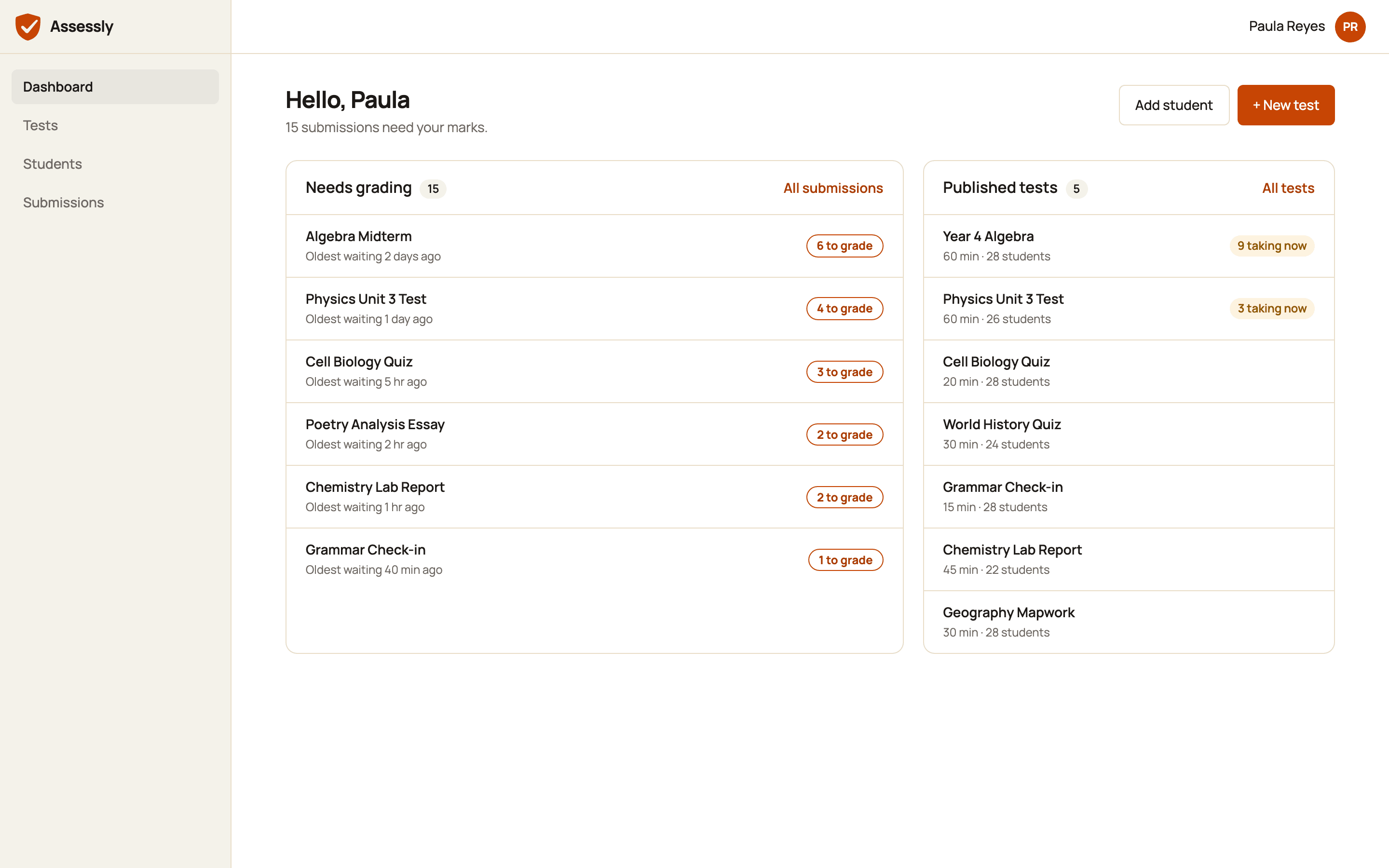
A peek inside Assessly
Illustrative previews with sample data: what a teacher sees after signing in.
What Assessly does
Everything a classroom needs to run a test, from question to grade.
Build tests in minutes
Mix multiple-choice, short-answer, and long-answer questions into a single test, with 2–6 options per MCQ.
Invite-code access
Share an 8-character code with your class. Students join in seconds — no accounts to pre-create, no waitlists.
Instant MCQ grading
Multiple-choice answers are scored the moment a student submits, so results are ready before you are.
Evaluate written answers
Review short and long-answer responses side by side and assign scores with a purpose-built grading view.
Submission tracking
See who has attempted, submitted, or still needs to take a test, grouped clearly across every attempt.
Role-based access
Teachers and students each get a dashboard scoped to exactly what they need — nothing more, nothing less.
How it works
From a blank test to a graded submission in four steps.
Create a test
Add questions, set correct answers, and organize everything from your teacher dashboard.
Share the invite code
Hand students an 8-character code — that's all they need to find and open the test.
Students take it
Students join with the code, work through the test, and submit when they're done.
Review & grade
MCQs are graded instantly. Grade written answers yourself, then release results.
Frequently asked questions
Everything else you might be wondering about.
Ready to run your next test?
Sign in to your teacher dashboard, or ask your teacher for an invite code.